Bloatware: It’s What’s For Dinner!


Love it or hate it, the worst part of setting up a fresh install of Windows 11 or 10 is the mountain of pre-installed bloatware. You boot up your computer expecting a clean system, but instead, you are greeted by a pile of random applications you never asked for that magically appear on your machine. Games you will never play, trial software you will never use, and apps that somehow reinstall themselves the moment you think you finally got rid of them.
This is how Microsoft gets you, or as the kids have started calling it these days, Microslop. You think to yourself, “Awesome, this computer comes with 32 gigs of RAM.” But in reality, a good chunk of that is taken up by the operating system, some of it gets eaten by background apps you never wanted, and then there are all the little services running quietly in the background that nobody asked for. And do not even get me started on AI.
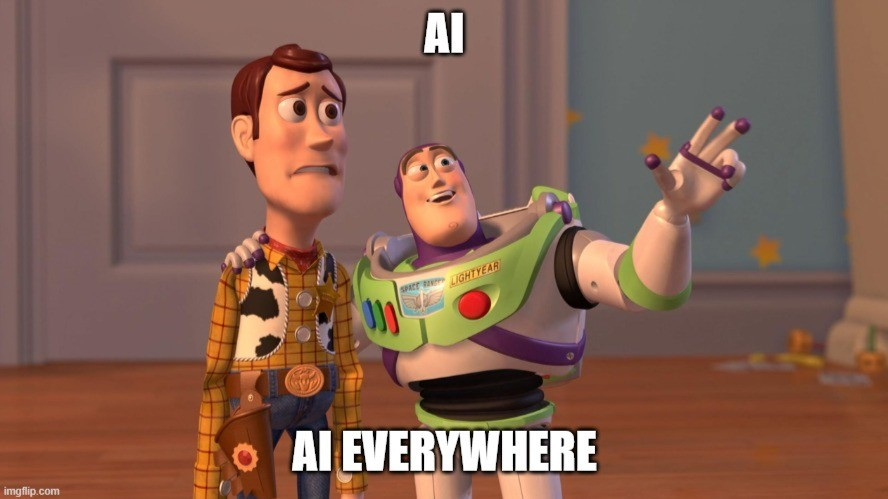
AI Everywhere, Whether You Asked For It or Not
As you can probably tell from how the public perceives AI right now, it might be wise for companies to avoid shoving it directly in your face the moment you boot up Windows for the first time. Instead, the current experience often feels like you open your brand-new computer and suddenly everything wants to be an AI assistant. The operating system has one, your browser has one, your cousin Steve has one on his Mac mini, and even half the apps you download suddenly have one.
Even if you install something like the Adobe suite, you quickly realize it is packed with AI tools that you cannot really avoid. Whether you want them or not, they are there. Now, AI can absolutely be useful. There are plenty of legitimate applications where it helps people work faster or solve problems more efficiently. But when it shows up everywhere at once, it starts to feel less like a helpful feature and more like something companies are forcing into every corner of their software.
Co-Pilot or Corporate Pirate?
That brings us to Microsoft Copilot. On paper, Copilot is meant to be a helpful assistant built directly into Windows. It promises to help you search your system, manage tasks, and interact with your computer in a smarter way.
But for many users, the reaction has been mixed. Some people see it as a useful productivity tool, while others look at it and wonder if it is less of an assistant and more of a permanent passenger riding along inside the operating system.
When a feature becomes deeply integrated into the main experience of a system, the question naturally becomes whether it is truly optional or just something you are expected to accept. For people who enjoy building their own PCs, running servers, or maintaining full control over their systems, the ideal experience is simple. The user decides what belongs on the computer, not the other way around.
The Real Reason Bloatware Exists
The truth is that bloatware exists for a reason. Those pre-installed apps represent partnerships, advertising agreements, and lock-ins that help software companies generate revenue. What looks like harmless clutter is often part of a larger business strategy.
From a company standpoint, it makes sense. Although from a user standpoint, it can feel like buying a brand new car only to realize the trunk is already full of someone else’s luggage.
One Final Thought
At the end of the day, bloatware might as well be the friends we made along the way. Or maybe it is the friends we do not want to talk to anymore because they take up all our space, and we need that space to install RGB lighting drivers for our new gaming keyboard.
I will leave that up to you to interpret in your own way.
Until next time.